
Protecting documents, payment details and data on gambling sites
 Available in GB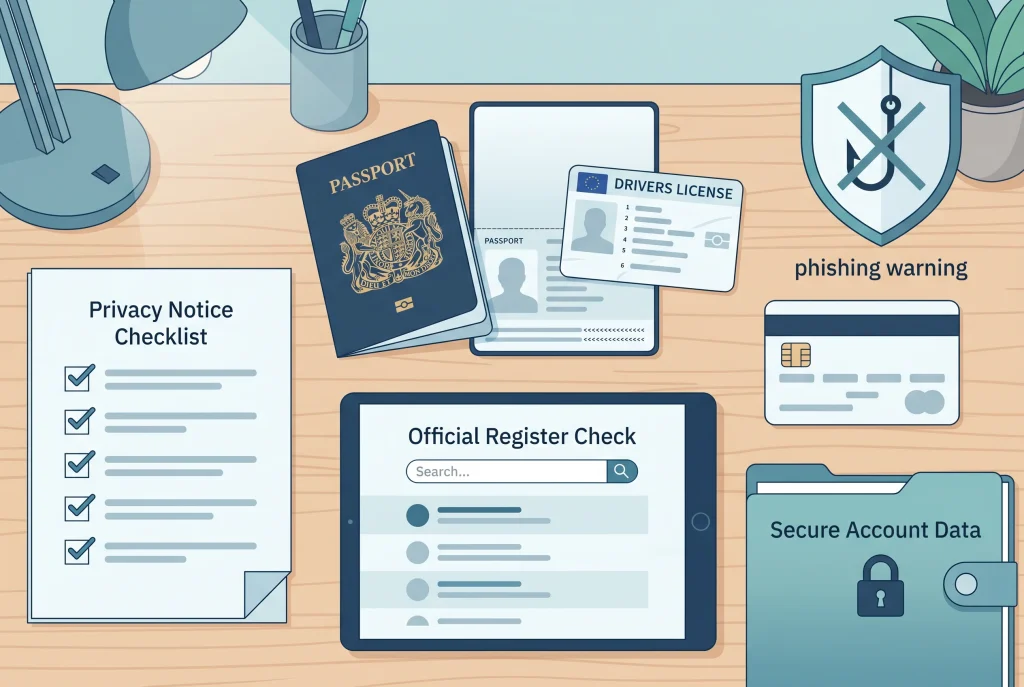
Uploading identity documents or payment evidence to a gambling site is a serious step. The request may be part of an ordinary account check, but the documents themselves are sensitive. A passport, driving licence, bank statement, card image or proof of address can expose more than a gambling account. It can expose your identity, address, payment habits and security questions.
The safer approach is to slow down before sending anything. Check whether the site is the one it claims to be, whether the domain matches an official register entry where that applies, what the privacy notice says, why the document is needed, and whether the request is coming through a secure account channel rather than a message that could be copied or faked. This page does not name trusted or untrusted operators. It gives practical checks you can apply before sharing documents, and it explains what to do if a site looks suspicious after you have already shared information.
How personal data is handled is set out in the privacy policy.
Why document caution matters
Online gambling accounts often involve age, identity, payment and source-of-funds checks. In the Great Britain regulated market, online gambling businesses must ask customers to prove age and identity before gambling. That does not mean every document request you see is automatically safe. It means the purpose, destination and handling of the request matter.
A legitimate request should be specific. It should be clear what document is needed, why it is being requested, how it should be supplied, and what will happen next. A vague message asking for more and more information, especially outside the account area, should make you pause. So should a site that makes official-sounding claims but has a domain name that does not match what you can check through the Gambling Commission public register.
Document caution is not about refusing all checks. It is about avoiding rushed disclosure. If the site is not clear, the upload route feels unsafe, or the request appears after a dispute about money, ask focused questions and keep records before sending extra information.
Checks to make before uploading anything
- Check the domain and licence position. The Gambling Commission public register can be searched by business name, trading name, domain name or account number. If a site claims a Great Britain licence, the domain and business details should make sense against the register entry.
- Read the privacy notice. A privacy notice should explain who controls the personal data, why it is collected, how it may be used, and how rights can be exercised. Do not rely on a badge, slogan or footer claim alone.
- Use an account upload route where possible. Sending documents through random email links, social messages or chat attachments can create unnecessary risk. If the site offers a secure account area, use the official route shown after you sign in through the known domain.
- Ask what is needed and why. A clear request should not leave you guessing whether the issue is age, identity, payment ownership, a withdrawal review, account security or source-of-funds checks.
- Limit what you send. Provide what is requested through the official channel. Do not send unrelated documents, extra card images or broader bank history simply because a support agent has used unclear wording.
- Keep a record. Save the request, upload confirmation, date, account reference, the exact domain used, and any explanation of what happens after the check.
These checks cannot prove that every future outcome will be fair. They do reduce avoidable risk. They also give you a clearer record if you later need to raise a complaint with the business, contact your bank, report a suspicious site, or ask a data-protection question.
Privacy rights that are relevant to gambling documents
Information Commissioner’s Office guidance explains UK data-protection rights such as being informed, access to personal data, correction of inaccurate data, erasure in certain circumstances, restriction, objection and data portability where relevant. These rights do not mean every request for documents is invalid. They mean personal data should be handled with a lawful basis, clear information and appropriate care.
For a gambling account, the practical starting point is simple: know who is asking, what they are asking for, and how the information will be used. If a privacy notice is missing, impossible to understand, or does not match the business identity shown elsewhere, treat that as a reason to pause. If personal information appears to have been mishandled, kept longer than expected, disclosed improperly, held insecurely or used in a way that conflicts with the privacy notice, the ICO explains complaint routes that start with raising the matter with the organisation.
Do not turn a data concern into a public accusation before checking the facts. Write down what happened, keep copies of messages, and ask the organisation to explain the specific issue. That is more useful than a general complaint saying the site is unsafe without evidence.
Before uploading documents: three scenarios to compare
| Scenario | What to check | What to record | Safer next step |
|---|---|---|---|
| The domain matches a visible register entry | Check the business name, trading name, domain, activity and licence status shown in the public register. Then check whether the document request is specific and sent through the account area. | Record the domain, register details, date of the check, document request and upload confirmation. | Send only the requested document through the official account route if you are comfortable with the privacy notice and the purpose is clear. |
| The site asks for documents after a delayed withdrawal | Separate a normal identity check from a dispute about the payment. Ask which rule or account issue is being checked and whether the withdrawal can continue after the check is completed. | Record the withdrawal date, amount requested, stated reason for delay, document list, support replies and any complaint reference. | Use the account complaint route if the explanation is unclear or keeps changing. Read the withdrawal and ID guide for focused dispute questions. |
| The site looks suspicious or inconsistent | Look for mismatched domains, unclear business identity, pressure to send documents outside the account, copied-looking messages, unrealistic promises or refusal to explain why documents are needed. | Record the exact domain, messages, payment references, files already uploaded and dates. Do not send more documents just to see what happens. | Stop uploading, secure relevant accounts, contact your bank or card provider through official channels if payment details were shared, and use official suspicious-site reporting routes. |
Warning signs in document and payment requests
No single warning sign proves that a gambling site is a scam. The point is to spot combinations that make sharing more information a poor decision. Be especially careful when a site asks for identity documents while also claiming that verification does not matter, when the domain changes between emails and the account area, or when the request pushes you away from the site’s own secure upload process.
- The business name, trading name or domain does not line up with what you can check officially.
- The request asks for full card details, broad bank history or unrelated documents without explaining the purpose.
- Support messages pressure you to act immediately or warn that money will be lost unless more documents are sent through an unusual channel.
- The site gives conflicting explanations for a withdrawal delay, bonus restriction or account closure.
- The privacy notice is missing, generic, hard to find, or does not clearly identify who is responsible for the data.
- The site promotes weak identity checks, blocked payment routes or access despite protective restrictions as if those were benefits.
If several of these signs appear together, do not try to solve the problem by sending more information. Step back, preserve evidence and use official channels for the next action.
If you already shared documents with a suspicious site
It is easy to panic after uploading documents and then noticing inconsistencies. Panic can lead to more mistakes, such as sending additional files, clicking recovery-service adverts, or arguing with unknown contacts. The better response is methodical.
- Stop sending new documents until the site identity, request and upload route are clear.
- Change passwords for the gambling account and any email account connected with it, especially if the same password was reused elsewhere.
- If card or bank details may have been exposed, contact the bank or card provider through its official app, number or website. Do not use phone numbers sent by an unknown message.
- Save the exact domain, account name, messages, payment references, upload confirmations and dates.
- Report a suspected scam website through the National Cyber Security Centre route for suspicious websites.
- If you believe personal information has been mishandled, start with the organisation’s complaint route and use Information Commissioner’s Office guidance on data-protection complaints.
- If gambling pressure pushed you into the upload or payment decision, use support and blocking tools rather than returning to the site to chase the issue.
These steps are practical rather than dramatic. They help you protect the accounts you control, create a record, and avoid turning one disclosure into several more.
What to ask the site in writing
A short written question is more useful than a long argument. Keep the tone factual. Ask for the reason, the document list, the upload route, the privacy information and the next step. If the matter concerns a withdrawal, ask whether the account check is the only reason the withdrawal has not been completed.
Please confirm which document is required, why it is needed, where it should be uploaded securely, how the information will be used, and what step will follow once the check is complete.
Do not include threats, unsupported accusations or extra personal information in the first message. If the answer is unclear, ask again with the specific missing point. If the answer changes, keep both replies. That record can help if you move to a complaint or need to explain the issue to another organisation.
Where this fits with licence, withdrawal and support checks
Document safety sits between several other decisions. A licence check helps you see whether a claimed Great Britain status and domain can be verified. The ID and withdrawals guide explains why age, identity and payment checks may happen and what to ask when money is delayed. The support page is relevant if the pressure to keep gambling is making document or payment decisions feel urgent.
Do not use document sharing as a way to force a quick outcome from a site you have not checked. Sensitive files should not be used as bargaining chips. If the site is legitimate, a clear process should exist. If the site is inconsistent, pushing more personal information into the same channel rarely improves your position.
Before sending anything, verify the operator through a licence check.
Small checklist before you decide
- Can I match the claimed licence, business identity and domain through an official source?
- Do I understand exactly why this document is needed?
- Am I uploading through a known account area, not through an unexpected link?
- Have I read the privacy notice and checked who is responsible for the data?
- Am I sending only the document requested, not extra information?
- Have I saved the request, date, domain and upload confirmation?
- Am I acting calmly, or am I rushing because of a delayed withdrawal, bonus dispute or urge to keep gambling?
If the answer to several of these questions is “no”, pause before uploading. A short delay to check the basics is safer than trying to undo a disclosure later.Is an identity request always a bad sign?Can I report a site just because it refused a withdrawal?Should I upload more documents if support keeps asking?
Read next
- Check whether the domain appears on the public register
- Why an operator may ask for ID
- Support if gambling pressure is driving risky decisions
- Back to the main guide